Monitor
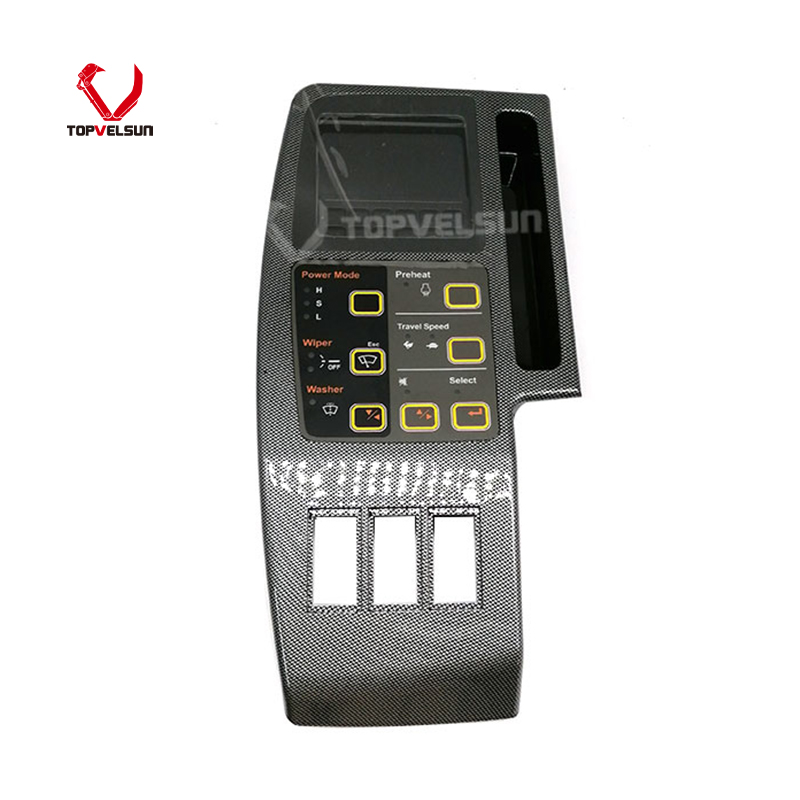
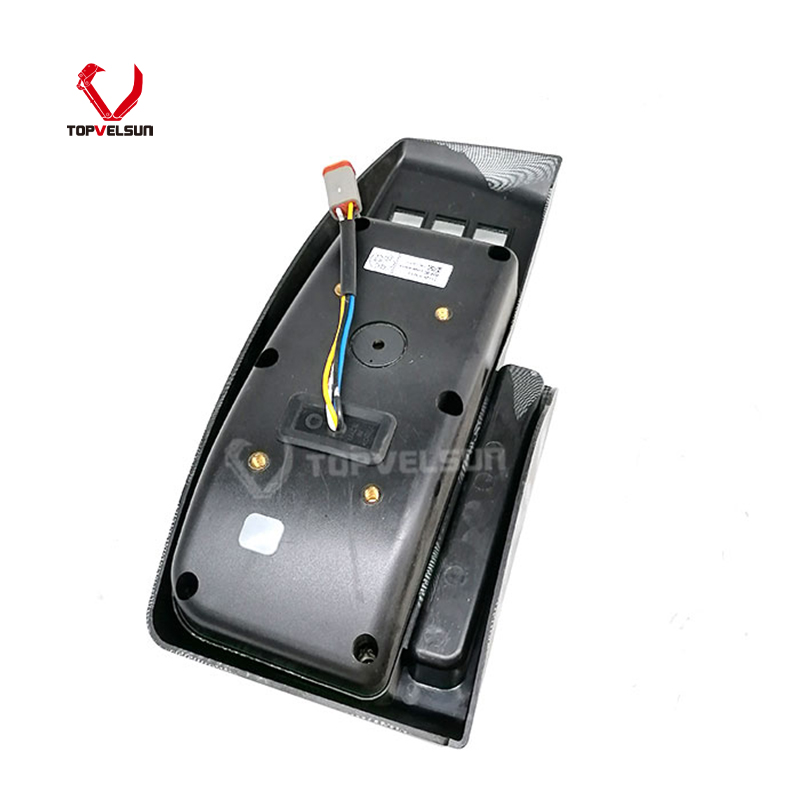
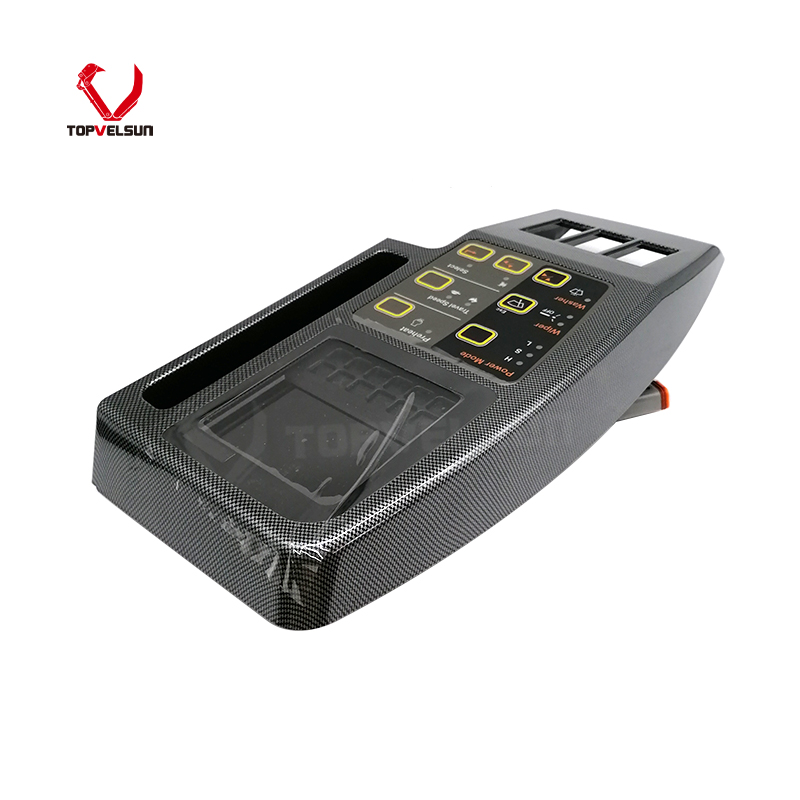
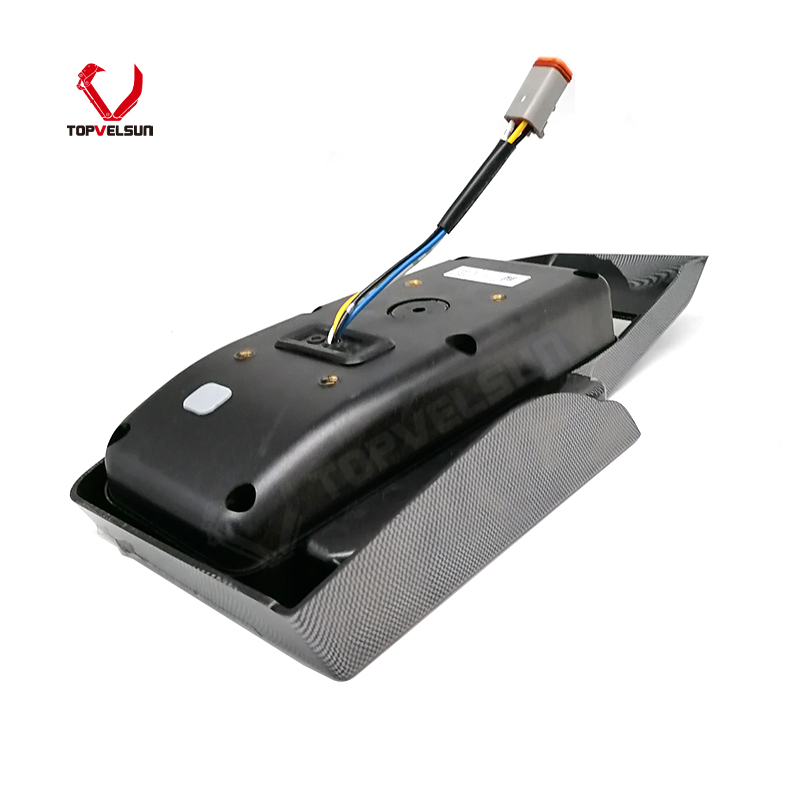
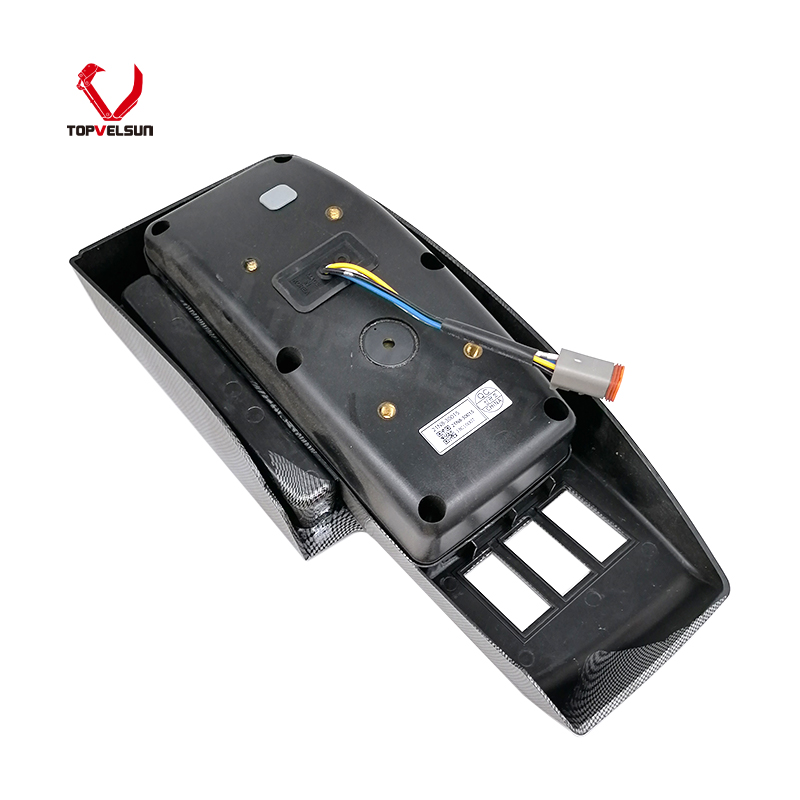
Home << Products << Electric System << Monitor << 21N8-30015 Monitor Display Panel for Hyundai R225-7 R450-7Part Number: 21N8-30015, 21N830015
Part Name: Monitor Display Panel
MOQ: 1 Piece
Warranty: 12 Months
Lead Time: 7 - 15 Days
Product Type: Monitor Display Panel / Gauge Cluster
Application: Hyundai Excavator R225-7, R450-7, R210-7, R290LC-7
Related Ref: 21N8-30013 / 21N8-30014 / 21N8-30016 / 21N8-36002
Product Description
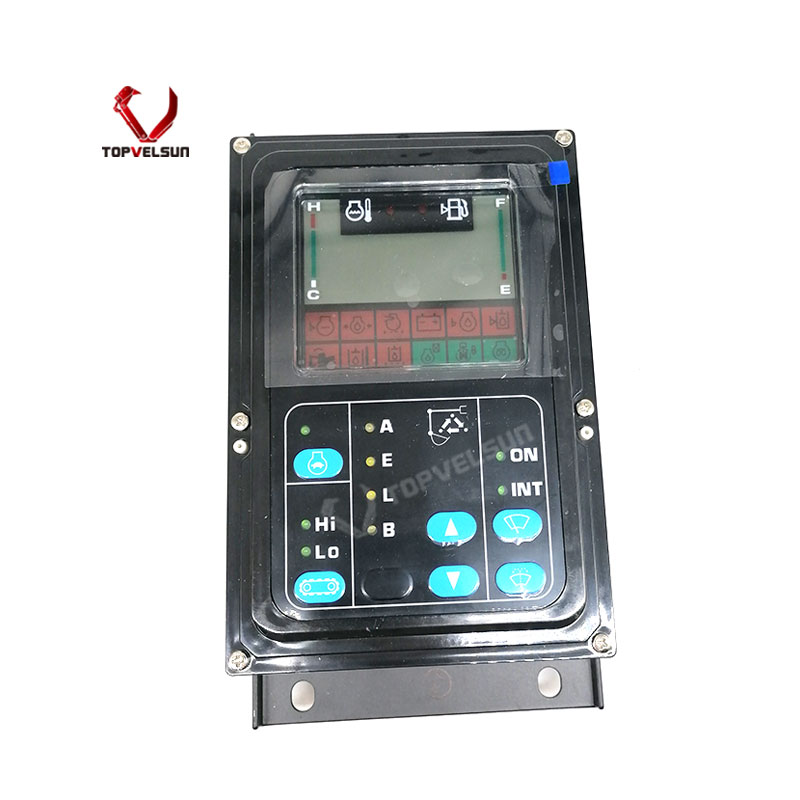
The 21N8-30015 / 21N830015 monitor display panel is used for Hyundai excavator cab display system applications. It is commonly referenced for Hyundai R-7 series excavators, especially R225-7 and R450-7.
This display panel should be selected by the original part number and physical configuration, not by model name alone. Hyundai R-7 series excavators may vary by production year, wiring harness, connector type, display program, language setting and previous repair history. Final fitment should be verified before ordering.
Common reference numbers may include 21N8-30015 and 21N830015. Related public references may also include 21N8-30013, 21N8-30014, 21N8-30016, 21N8-36002, 21N8-36000, 21N8-36001, 21N8-30011 and 21N8-30012.
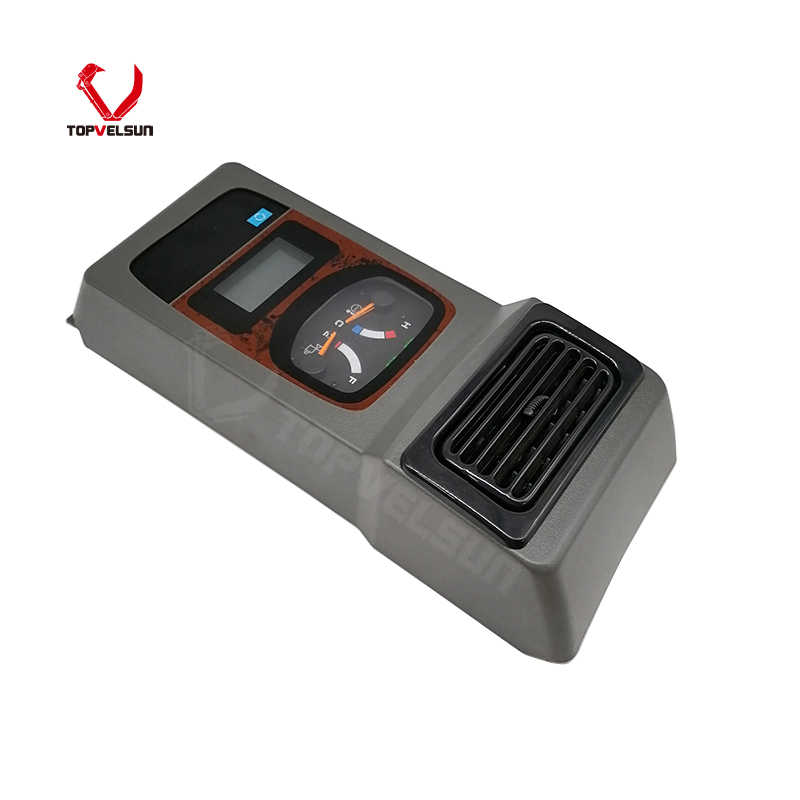
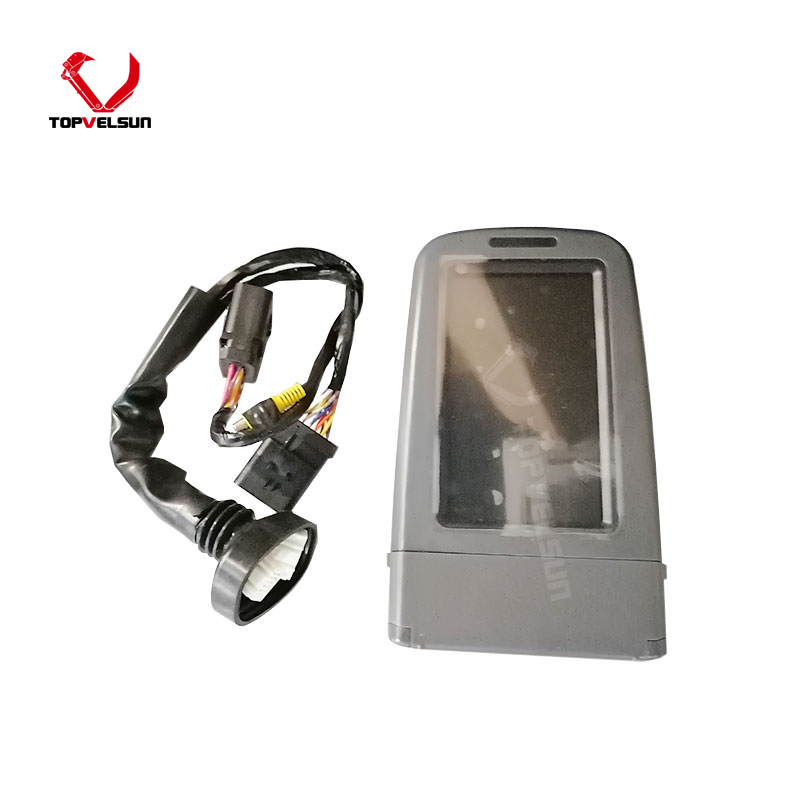
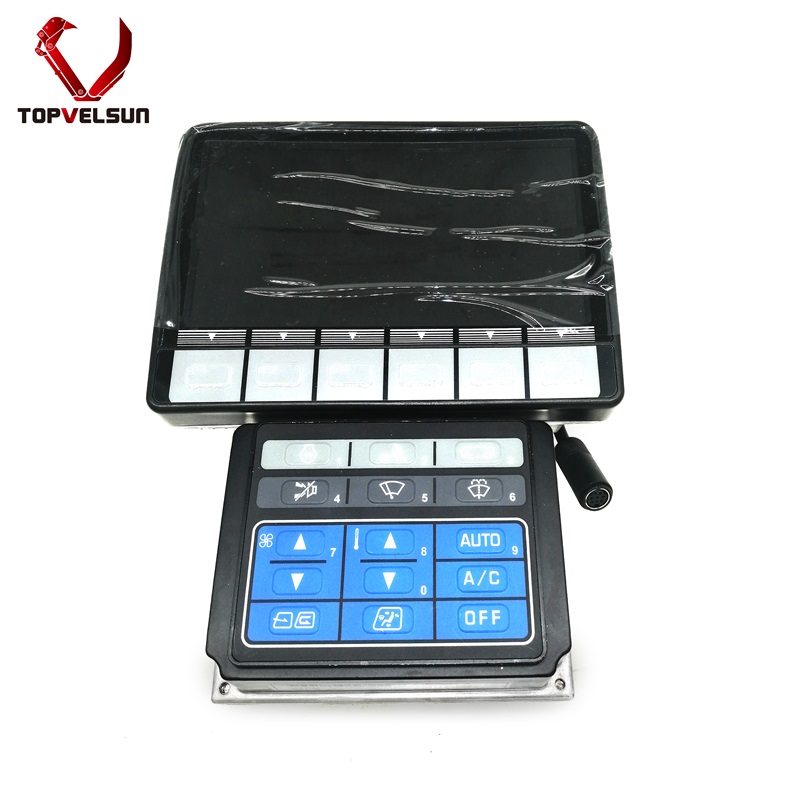
These numbers should be treated as reference information only. Excavator monitor panels with similar part numbers may still differ in connector position, screen layout, button arrangement, software program, language display or mounting structure.
This Hyundai 21N8-30015 monitor display panel is mainly referenced for R225-7 and R450-7. Some public supplier references also mention related Hyundai R-7 series machines such as R210-7, R210LC-7, R290LC-7, R300LC-7, R370LC-7 and R200-7.
The model list should be used as a fitment reference, not a universal guarantee. Before purchase, compare the old monitor part number, rear connector, pin layout, panel shape, mounting points, screen size and machine serial number.
No display: the monitor remains black after the ignition is turned on.
Dim or unstable screen: the display brightness changes, flickers or becomes difficult to read.
Incorrect warning display: fault lamps, gauges or warning icons display abnormally.
Buttons do not respond: menu buttons or function keys cannot operate normally.
Intermittent operation: the monitor works sometimes and fails when vibration, heat or humidity increases.
Communication issue: the display may not receive correct signals from the machine wiring, sensors or controller.
Check battery voltage and machine power supply before replacing the monitor.
Inspect the monitor fuse, relay, ground wire and ignition power circuit.
Check the rear connector for loose pins, corrosion, water damage or broken wires.
Inspect the wiring harness between the monitor, controller and sensors.
Confirm whether the fault is caused by the display panel itself or by the machine electrical system.
Compare the old monitor part number and rear connector before confirming the replacement panel.
Disconnect machine power before removing the old monitor display panel.
Keep the cab connector dry and clean during installation.
Do not force the connector if the pin layout or plug shape is different.
Check mounting holes, panel size and rear clearance before tightening the panel.
After installation, turn on the machine and check screen display, warning indicators, gauge readings and button response.
Protect the monitor from water entry, heavy impact, excessive vibration and direct pressure on the screen.
To reduce wrong orders, please send the machine model, machine serial number, old monitor part number, front panel photo, rear connector photo, label photo and dashboard installation photo before quotation.
Yes. Public product references commonly list 21N8-30015 / 21N830015 for Hyundai R225-7 and R450-7 excavator monitor display panel applications. Other R-7 series models may also appear in supplier references, but final fitment should be verified.
21N830015 is the non-hyphen writing format of 21N8-30015. Both formats are used in parts searches and supplier listings.
They may appear as related monitor display references in public listings, but they should not be treated as automatic replacements. Connector, panel layout, software program, screen type and machine configuration should be checked before ordering.
Please check the old monitor part number, rear connector, pin layout, front panel shape, mounting points, display program and machine serial number. Clear photos of the old monitor are recommended.
A black screen may be caused by a failed monitor, low battery voltage, blown fuse, poor ground, damaged wiring, loose connector, water damage or controller communication issue. The electrical system should be checked before replacing the panel.
Tel.: +86 20 3203 3683
Mobile: +86 13129352980 or 13826060208
E-mail: VLS09@topvelsun.com
Address: SHOP 101,BUILDING A,NO.141,ZHUCUN EAST RING ROAD,TIANHE DISTRICT,GUANGZHOU
Copyright © Guangzhou Topvelsun Machinery Equipment Co., Ltd. All Rights Reserved. |
Sitemap | Technical Support 
Tel.: +86 20 3203 3683
E-mail: VLS09@topvelsun.com