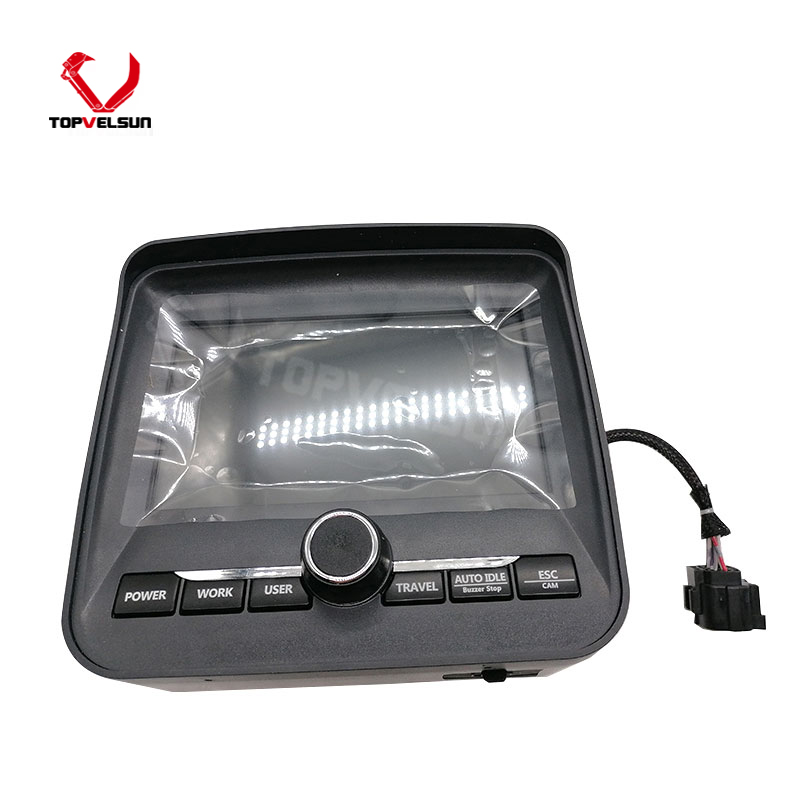
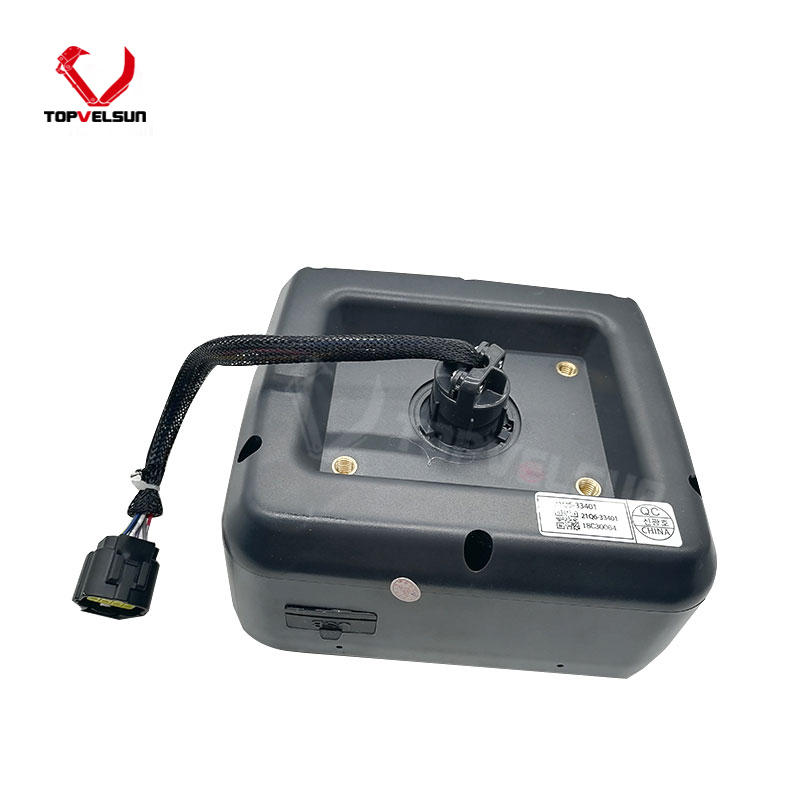
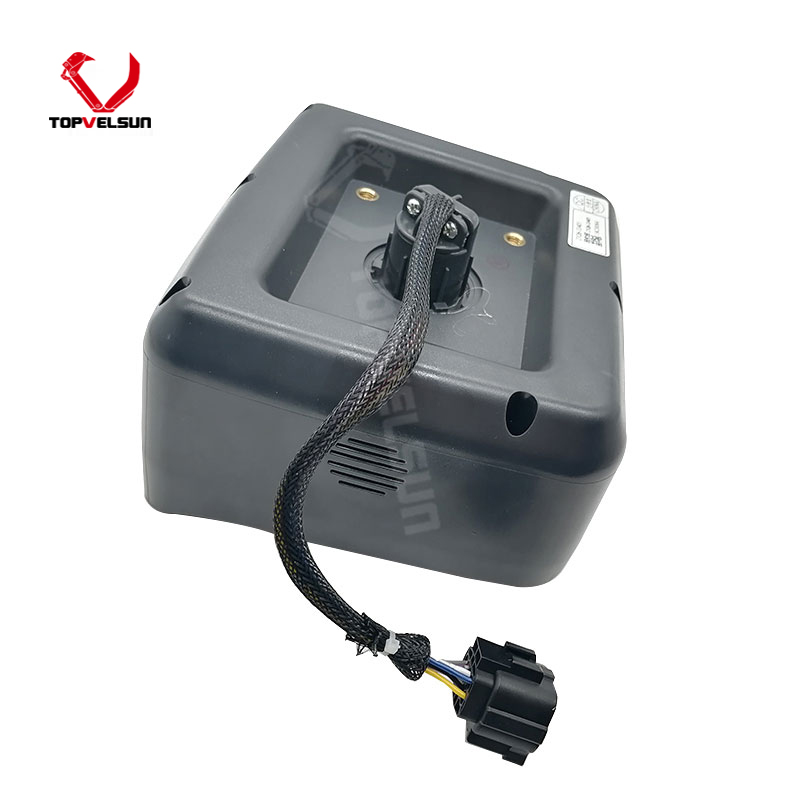
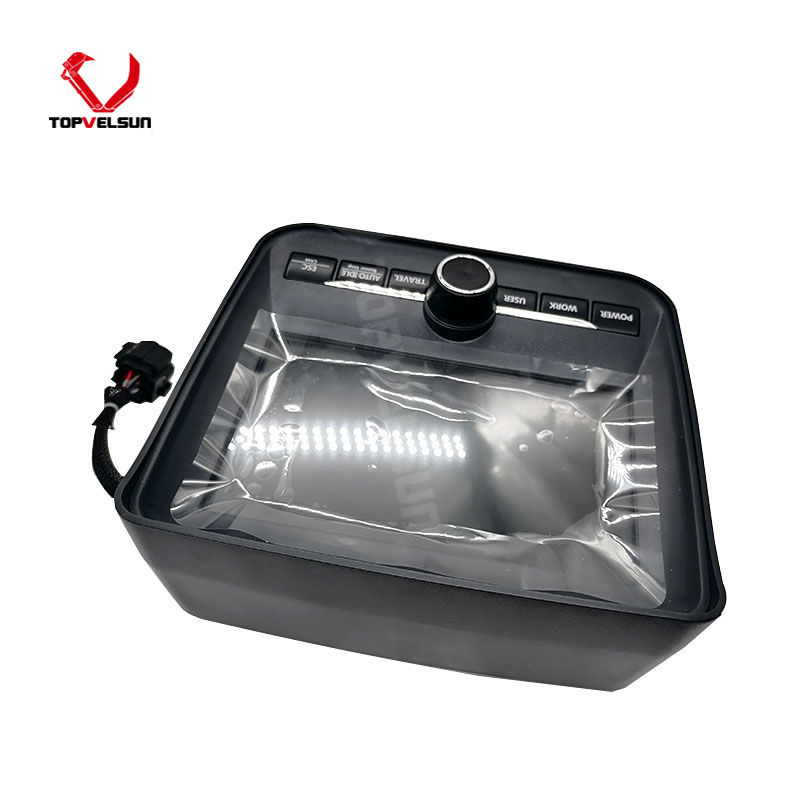
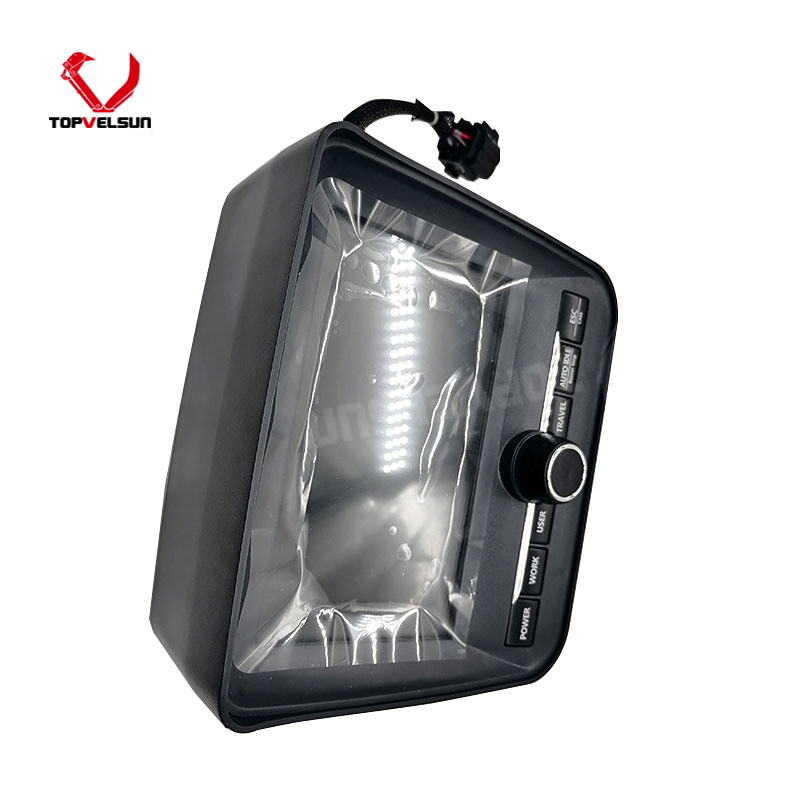
Part Number: 21Q6-30105 / 21Q630105
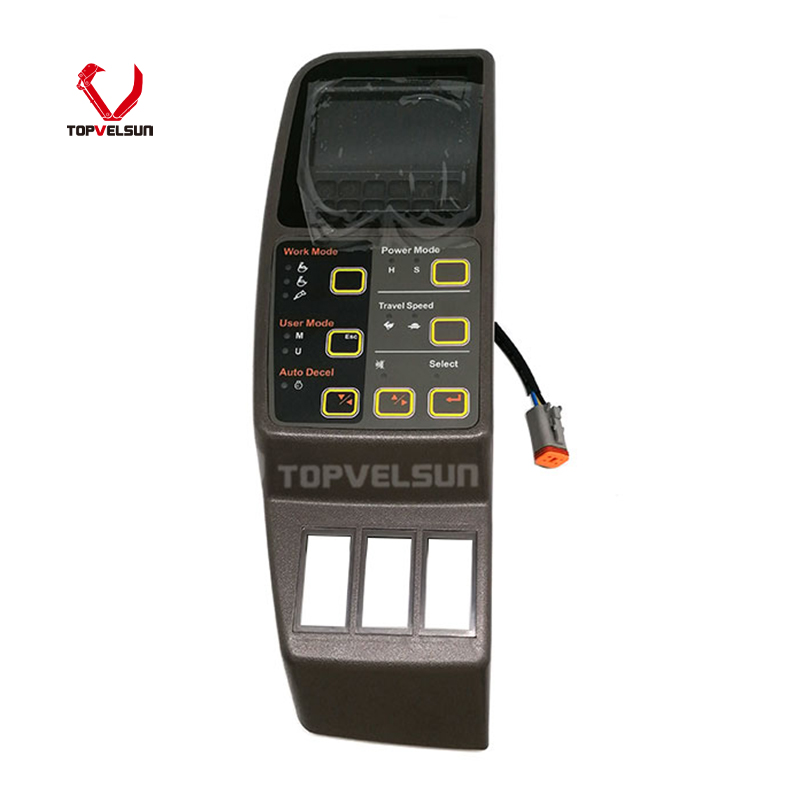
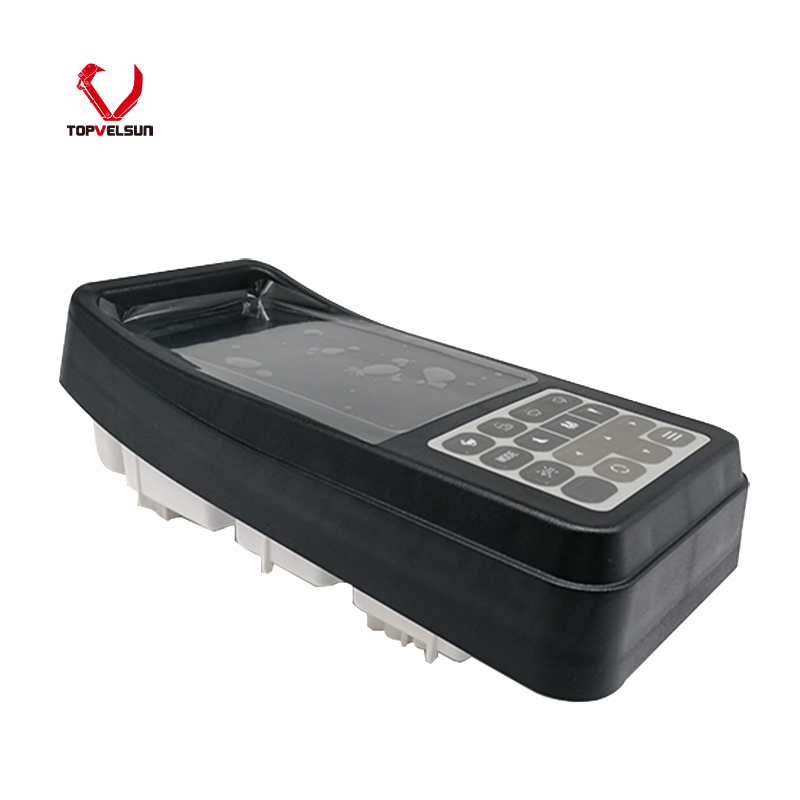
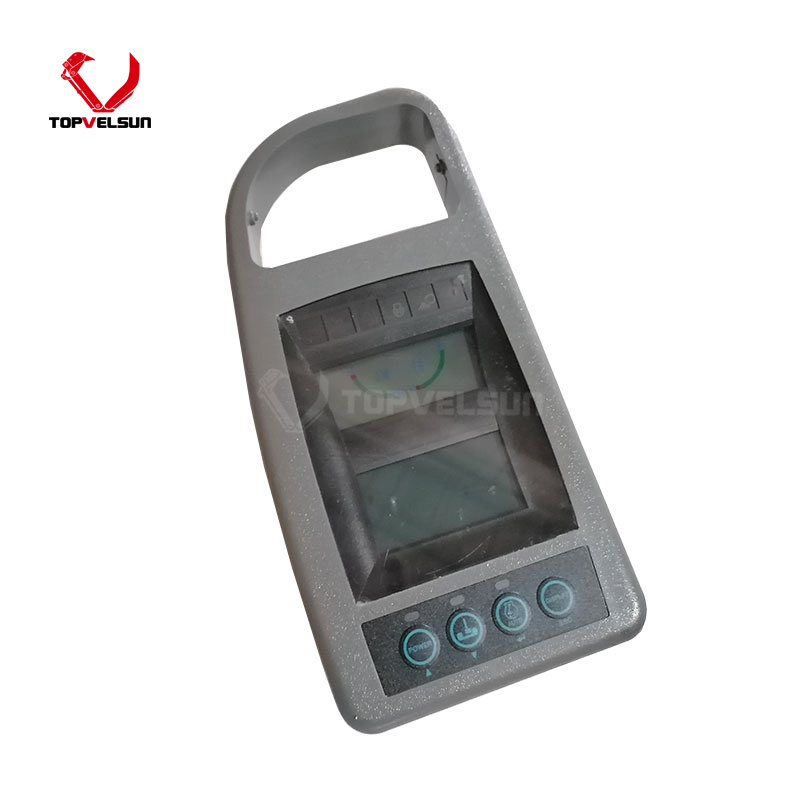
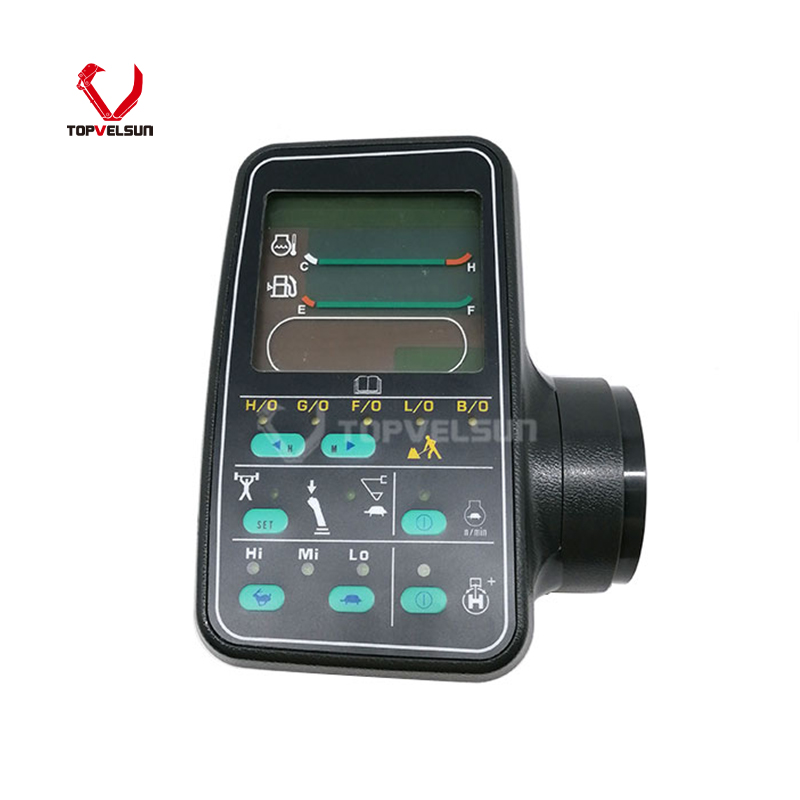
Part Name: Monitor, Display Panel
MOQ: 1 Piece
Weight: 3.00 kg
Warranty: 12 Months
Lead Time: 7 - 15 Days
Product Type: Monitor Display Panel / Gauge Cluster
Application: Hyundai R210LC-9, R220-9, R220LC-9, R240-9, R290LC-9
Related Ref: 21Q6-30104 / 21Q6-30103 / 21Q6-33400 / 21Q6-33401
Product Description
The 21Q6-30105 / 21Q630105 monitor gauge cluster is used for Hyundai 9-series excavator cab display system applications. It is commonly referenced as a monitor display panel for Hyundai R210LC-9, R220-9, R220LC-9, R240-9 and R290LC-9 excavator applications.
This monitor should be selected by the original part number and physical configuration, not by model name alone. Hyundai 9-series excavators may vary by production year, wiring harness, connector type, display program, language setting and previous repair history. Final fitment should be verified before ordering.
Common reference numbers may include 21Q6-30105, 21Q630105, 21Q6-30104 and 21Q630104.
Related public references may also include 21Q6-30103, 21Q6-30400, 21Q6-30500, 21Q6-33400 and 21Q6-33401. These numbers should be treated as reference information only. Monitor panels with similar part numbers may still differ in connector position, pin layout, screen type, software program, language display, button arrangement or mounting structure.
This Hyundai 21Q6-30105 monitor display panel is mainly referenced for Hyundai 9-series excavators such as R210LC-9, R220-9, R220LC-9, R240-9 and R290LC-9.
Some public supplier references also mention related Hyundai 9-series models such as R140LC-9, R160LC-9, R180LC-9, R235LCR-9, R250LC-9, R320LC-9, R380LC-9, R480LC-9 and R520LC-9. The model list should be used as a fitment reference, not a universal guarantee.
Before purchase, compare the old monitor part number, rear connector, pin layout, panel shape, mounting points, screen size, button layout and machine serial number.
Some market references describe 21Q6-30105 as a genuine monitor display panel with program. If genuine stock is required, please confirm the label, program, packaging and current photos before ordering. Replacement options may also be available depending on inventory.
No display: the monitor remains black after the ignition is turned on.
Dim or unstable screen: brightness changes, flickering appears or the screen becomes difficult to read.
Incorrect gauge reading: fuel level, temperature, engine speed, hour meter or warning indicators display abnormally.
Buttons do not respond: menu keys or function buttons cannot operate normally.
Intermittent operation: the monitor works sometimes and fails when vibration, heat or humidity increases.
Communication issue: the display may not receive correct signals from the controller, sensors or wiring harness.
Check battery voltage and machine power supply before replacing the monitor.
Inspect the monitor fuse, relay, ground wire and ignition power circuit.
Check the rear connector for loose pins, corrosion, water damage or broken wires.
Inspect the wiring harness between the monitor, controller and sensors.
Check whether the fault appears only during vibration, heat or rain exposure.
Confirm whether the failure is caused by the monitor itself or by the machine electrical system.
Disconnect machine power before removing the old monitor display panel.
Keep the connector dry and clean during installation.
Do not force the connector if the plug shape or pin layout is different.
Check mounting holes, panel size and rear clearance before tightening the panel.
After installation, turn on the machine and check screen display, warning indicators, gauge readings and button response.
Protect the monitor from water entry, heavy impact, excessive vibration and direct pressure on the screen.
To reduce wrong orders, please send the machine model, machine serial number, old monitor part number, front panel photo, rear connector photo, label photo and dashboard installation photo before quotation.
Yes. Public product references commonly list 21Q6-30105 for Hyundai 9-series excavator monitor applications, including R210LC-9 and R220-9 references. Final fitment should be verified by the old monitor part number and rear connector.
21Q630105 is the non-hyphen writing format of 21Q6-30105. Both formats may appear in supplier listings, parts searches and maintenance records.
21Q6-30104 and 21Q6-30105 are often listed together in public references, but they should not be treated as automatic replacements. Connector, pin layout, display program, panel shape and machine configuration should be checked before ordering.
Related public references may include 21Q6-30103, 21Q6-30104, 21Q6-30400, 21Q6-30500, 21Q6-33400 and 21Q6-33401. These should be used as reference numbers only.
Please check the old monitor part number, rear connector, pin layout, front panel shape, mounting points, display program and machine serial number. Clear photos of the old monitor are recommended.
A black screen may be caused by a failed monitor, low battery voltage, blown fuse, poor ground, damaged wiring, loose connector, water damage or controller communication issue. The electrical system should be checked before replacing the panel.
Tel.: +86 20 3203 3683
Mobile: +86 13129352980 or 13826060208
E-mail: VLS09@topvelsun.com
Address: SHOP 101,BUILDING A,NO.141,ZHUCUN EAST RING ROAD,TIANHE DISTRICT,GUANGZHOU
Copyright © Guangzhou Topvelsun Machinery Equipment Co., Ltd. All Rights Reserved. |
Sitemap | Technical Support 
Tel.: +86 20 3203 3683
E-mail: VLS09@topvelsun.com