Brand: Topvelsun
Voltage: 24 V
Weight: 3.5 kg
Warranty: 6 Months
Application: DOOSAN Excavator DX140LC DX225 DX300
Product Description
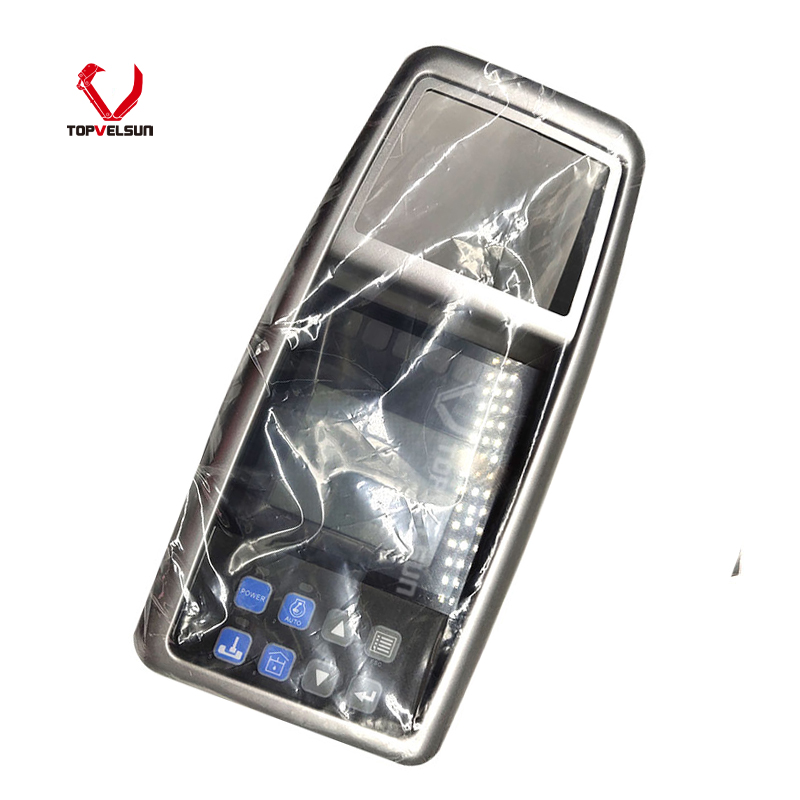
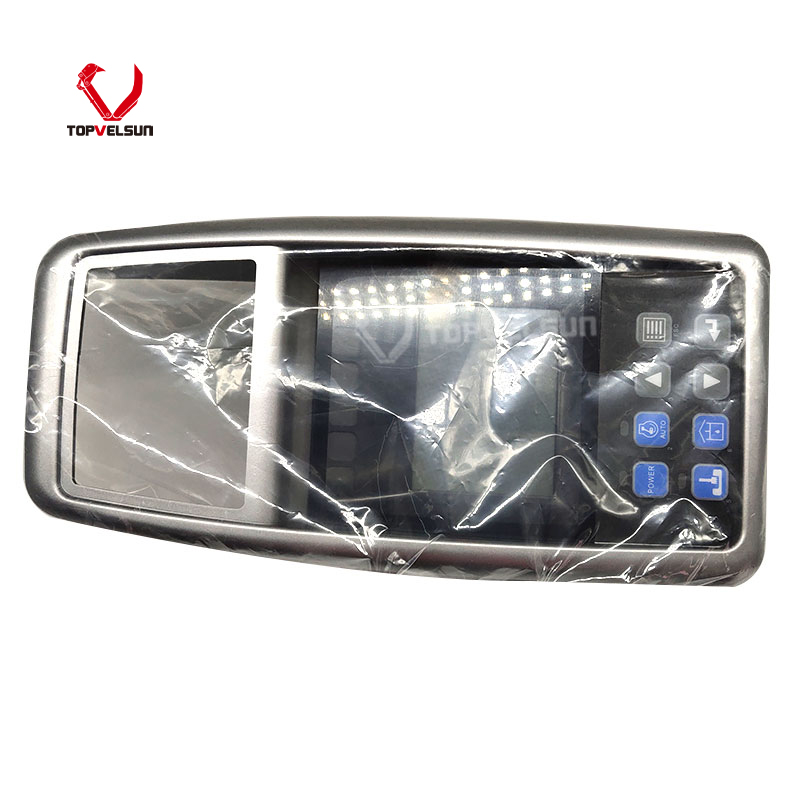
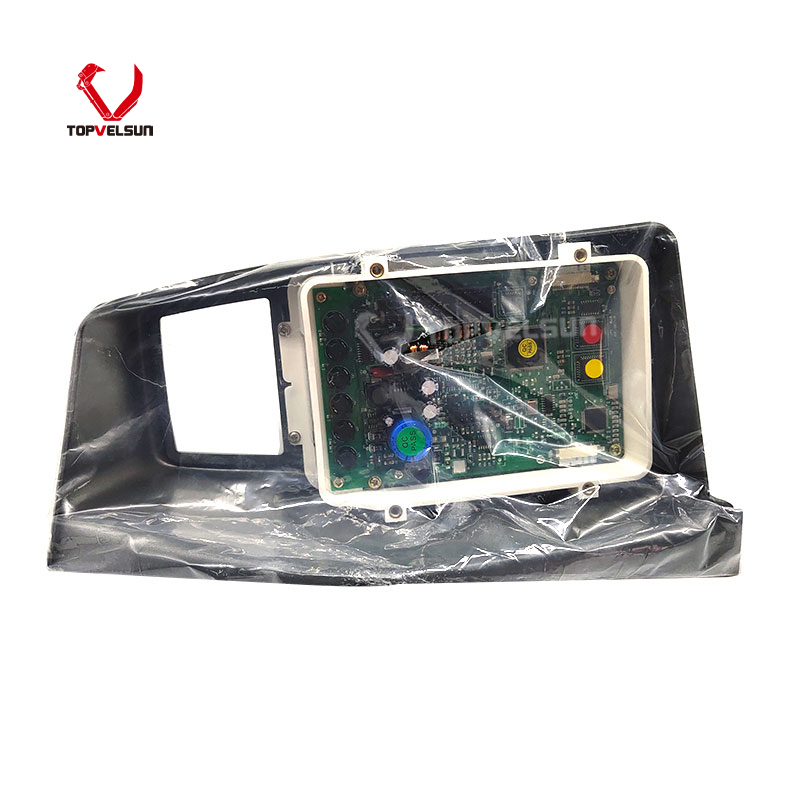
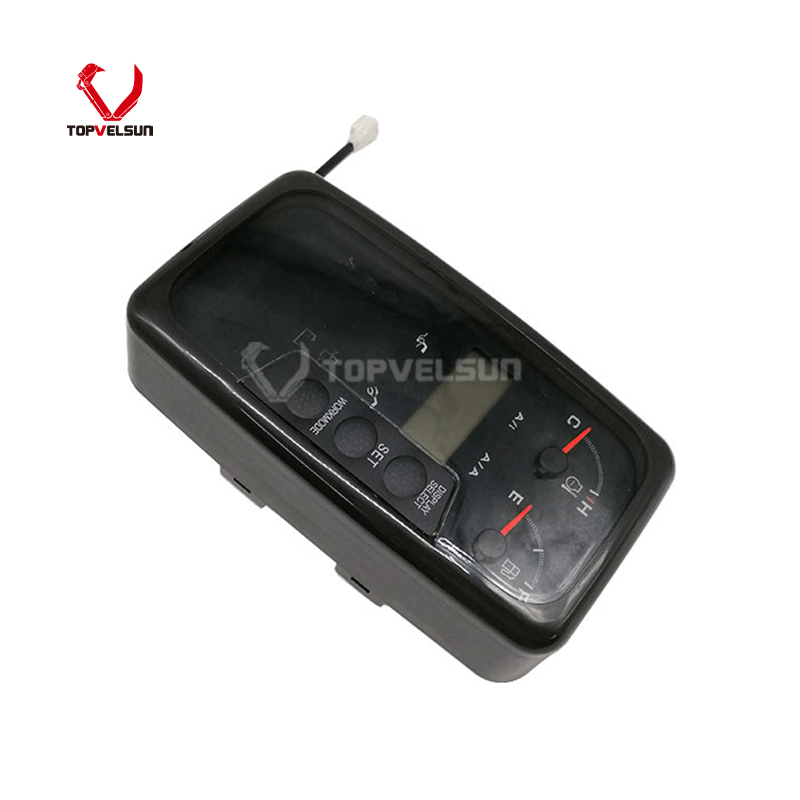
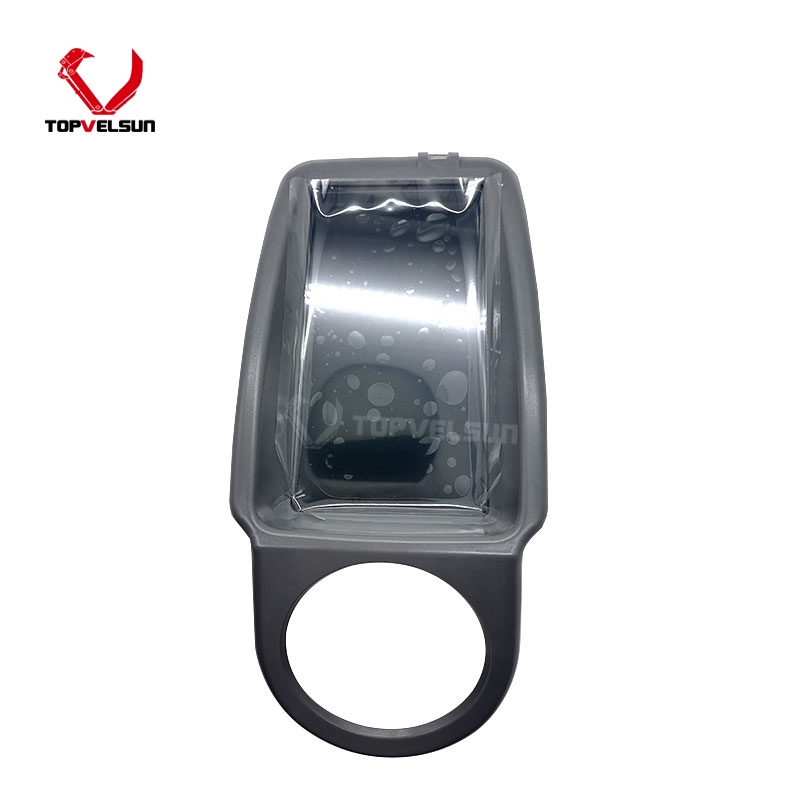
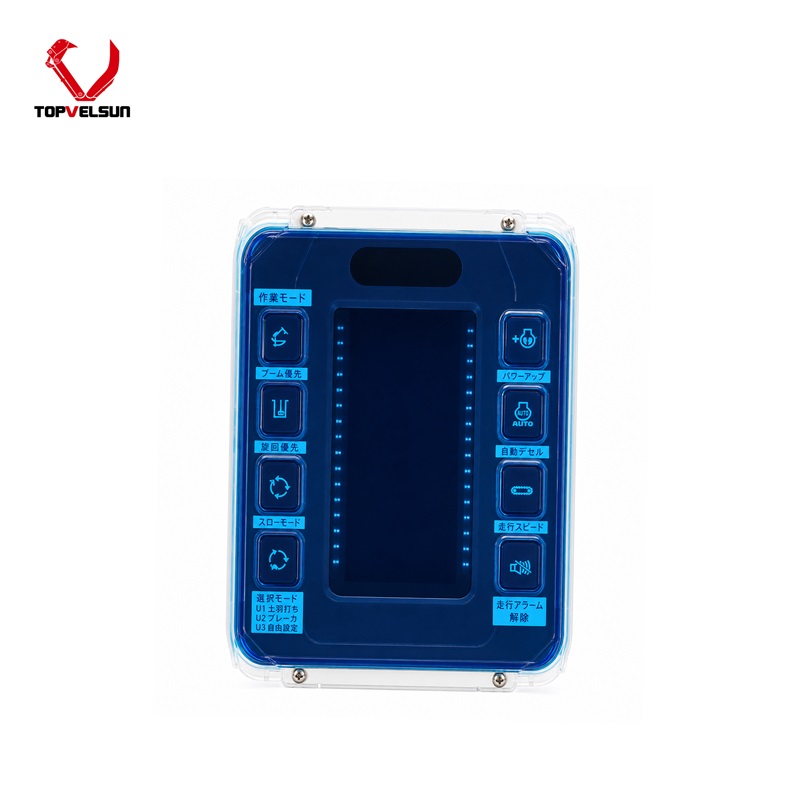
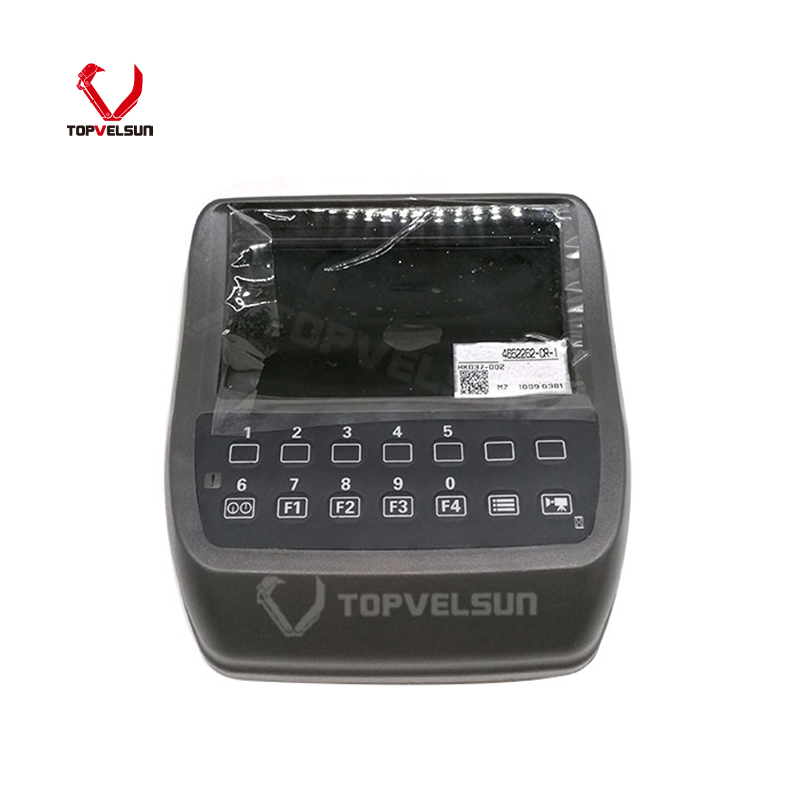
The 300426-00012 Display Panel Monitor (also known as the gauge cluster or cabin display) is the central monitoring and interaction terminal for Doosan (Develon) DX series excavators. Designed for heavy-duty construction environments, this industrial-grade TFT-LCD monitor ensures real-time synchronization with your excavator's ECU and hydraulic controllers via standard CAN bus (J1939) protocol.
Whether you are dealing with a blank screen, unresponsive buttons, or a cracked display, this premium replacement assembly guarantees 100% plug-and-play compatibility with your existing machine wiring.
This monitor assembly is a direct, drop-in replacement for the following OEM part numbers (no software flashing or wire modifications required):
Primary Part Number: 300426-00012, 30042600012
Upgraded/Equivalent Versions: 300426-00012A, 539-00076, 539-00076A, 539-00076B, 539-00076E
(Note: This part is NOT compatible with older DH series models such as 300426-00049A or DX-9C newer generations. Please verify your machine model before purchasing.)
Engineered for Doosan/Develon mid-to-large size excavators (14 to 34-ton class).
Crawler Excavators: DX140LC, DX180LC, DX210, DX220, DX225LC, DX225LCA, DX255LC, DX260LC, DX300LC, DX340LC, DX350LC.
Wheel Excavators: DX140W, DX160W, DX210W (Full series).
Compatible Legacy Models: DH220-7, DH225-7, DH300-7 (Specific software matching may be required).
Operating Voltage: DC 24V (Standard working range: 18-32V).
Display Type: Anti-glare, shock-resistant TFT-LCD color display.
Durability: IP65 rated front panel (Dustproof & Waterproof), perfect for harsh outdoor conditions.
Temperature Range: Operates flawlessly between -30℃ to +85℃.
Button Lifespan: Waterproof membrane keypad with backlighting, rated for ≥1,000,000 presses.
Multi-Language Support: Easily switch between English, Spanish, Korean, Chinese, and metric/imperial units.
Real-Time Data: Accurately displays engine RPM, coolant temperature, hydraulic oil temp, fuel level, and oil pressure.
Work Mode Selection: Seamlessly switch between P (Power), S (Standard), E (Economy), and B (Breaker) modes to optimize fuel efficiency and power output.
Maintenance Alerts: Built-in reminders for oil changes, filter replacements, and hydraulic system maintenance.
Fault Code Diagnostics: Instantly triggers audio-visual alarms and displays specific fault codes for quick troubleshooting.
Q: Why is my Doosan excavator monitor screen completely black?A: A black screen is often caused by a break/short in the power line, a blown 10A fuse, or internal power module failure. First, check your battery voltage (should be stable at ~24V) and the wiring harness connections. If the fuse and wiring are intact, the internal module is likely damaged, requiring a full monitor replacement like the 300426-00012.
Q: The screen is turning white or blurry. Can it be fixed?A: A white or blurry display (screen tearing) usually points to a loose internal ribbon cable or a failing LCD drive module caused by voltage fluctuations. While you can try cleaning the ribbon cable contacts, a damaged LCD panel will require a completely new gauge monitor assembly.
Q: Why are the buttons on my Doosan monitor unresponsive?A: Unresponsive buttons typically result from a worn-out membrane keypad or dust/oil ingress over time. This monitor features an industrial-grade sealed keypad designed to resolve these specific unresponsiveness issues permanently.
Tel.: +86 20 3203 3683
Mobile: +86 13129352980 or 13826060208
E-mail: VLS09@topvelsun.com
Address: SHOP 101,BUILDING A,NO.141,ZHUCUN EAST RING ROAD,TIANHE DISTRICT,GUANGZHOU
Copyright © Guangzhou Topvelsun Machinery Equipment Co., Ltd. All Rights Reserved. |
Sitemap | Technical Support 
Tel.: +86 20 3203 3683
E-mail: VLS09@topvelsun.com