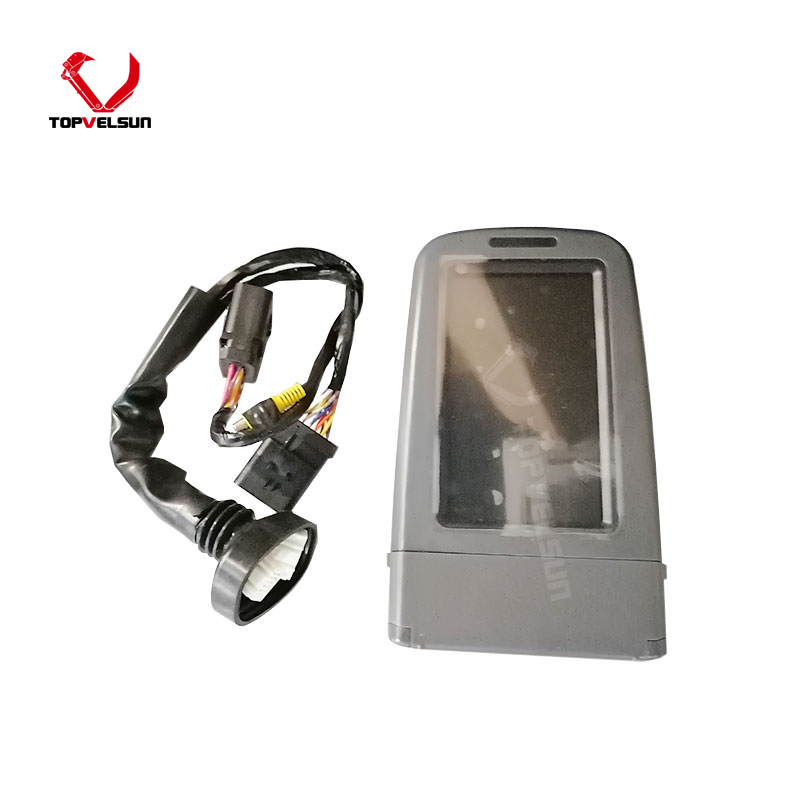
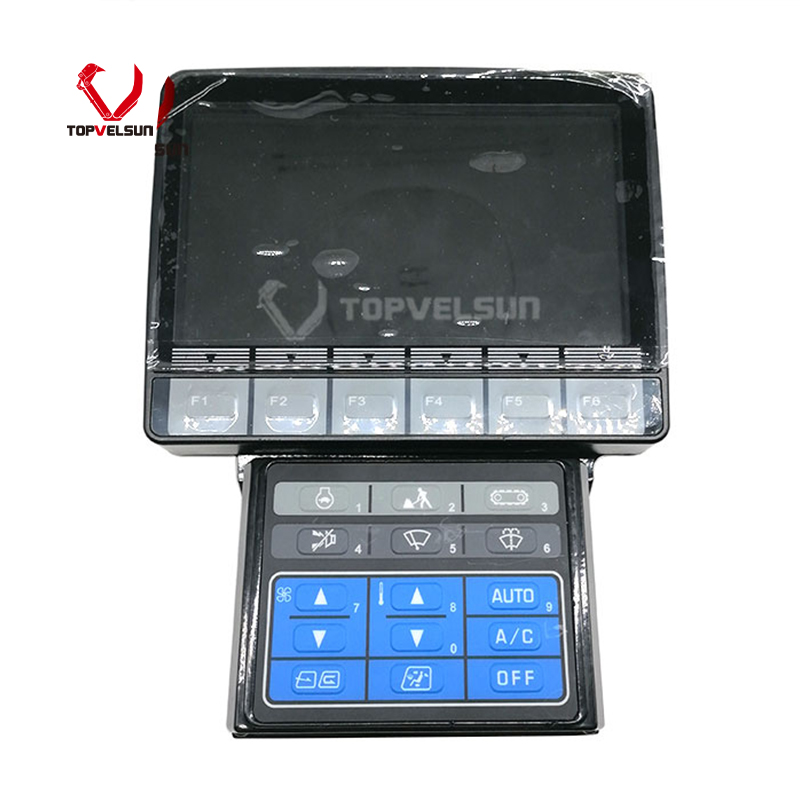
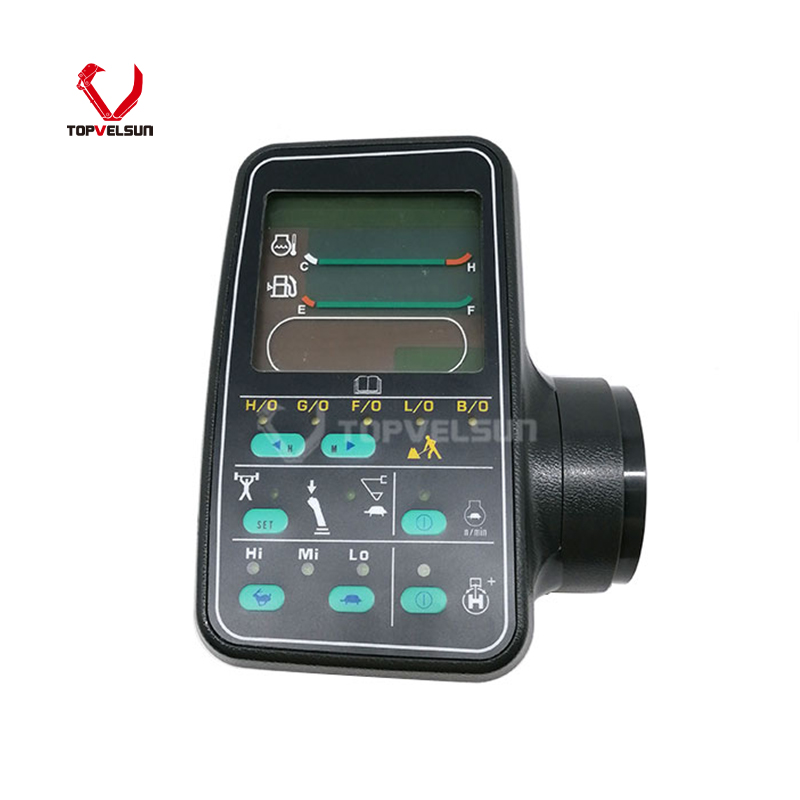
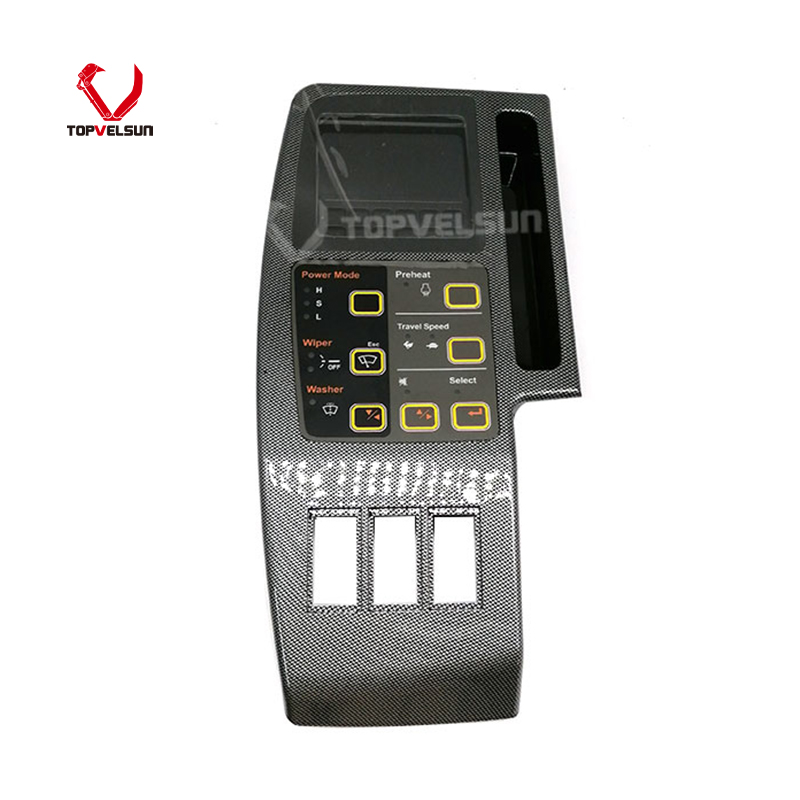
Part Number: 151-9385 / 1519385
MOQ: 1 Piece
Warranty: 12 Months
Lead Time: 3 - 15 Days
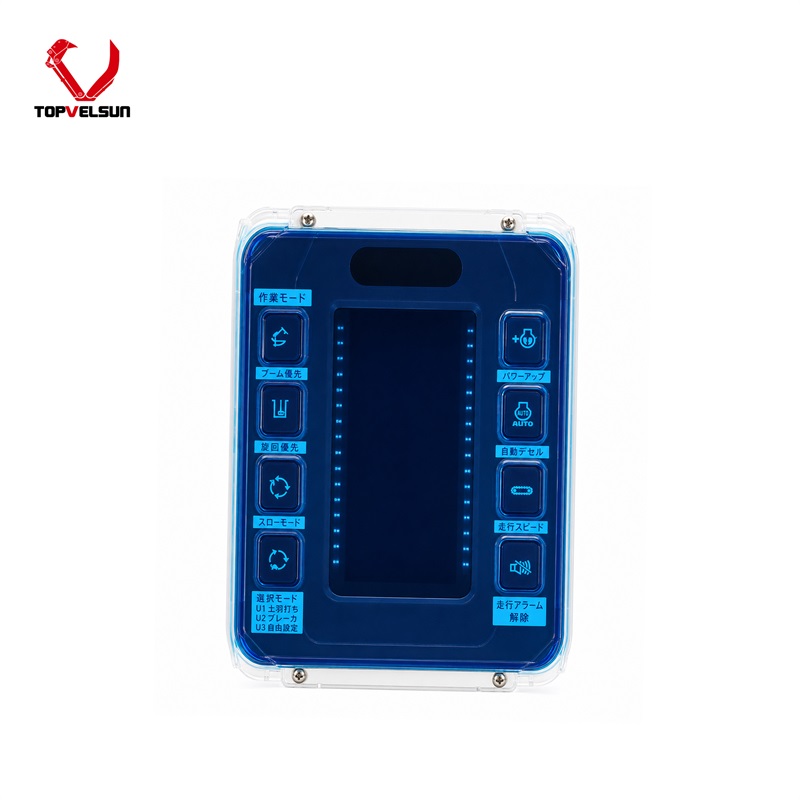
Product Type: Monitor Display Panel /
Cab Monitor / Gauge Cluster
Cross Reference: 106-0172, 20R-7975, CA1519385, CA1060172
Application: Caterpillar 312B, 315B,
318B, 320B, 322B, 325B, 330B, 345B
Product Description
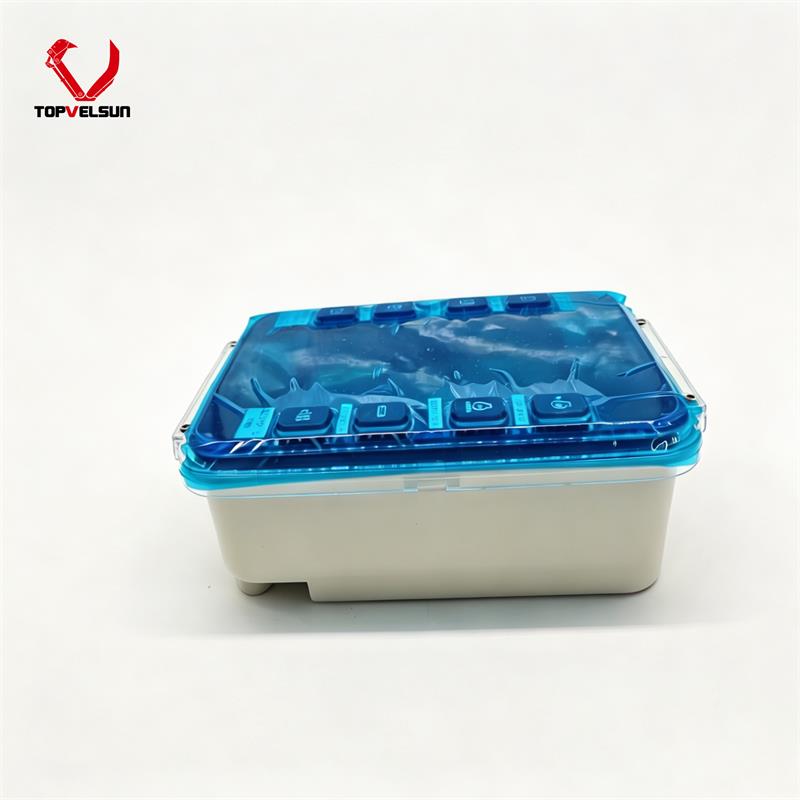
The 151-9385 is an essential electronic display panel designed specifically for classic Caterpillar B-Series excavators. Acting as the primary communication hub between the operator and the machine's control systems, it provides critical real-time data, including coolant temperatures, hydraulic pressures, fuel levels, and diagnostic fault codes. Replacing a sun-damaged, unreadable, or malfunctioning monitor is vital for ensuring safe machine operation and preventing catastrophic undetected engine or hydraulic issues.
This LCD monitor panel is primarily referenced for use across the Caterpillar B-Series excavator lineup, ranging from mid-size to heavy-duty equipment.
Caterpillar 320B, E320B
Caterpillar 322B, 322BL
Caterpillar 325B, 325BL
Caterpillar 330B, 330BL
Caterpillar 345B
Caterpillar 312B, 315B, 317B, 318B, 321B
This monitor assembly acts as a direct replacement reference for the following OEM part numbers:
151-9385
106-0172
Heavy equipment cabin electronics must be correctly matched to the machine's specific generation to ensure proper communication and avoid electrical damage. To ensure correct fitment and prevent installation delays, we strongly recommend performing a visual and technical verification:
Check OEM Numbers: Confirm your required part number matches either 151-9385 or 106-0172 as listed in your parts manual.
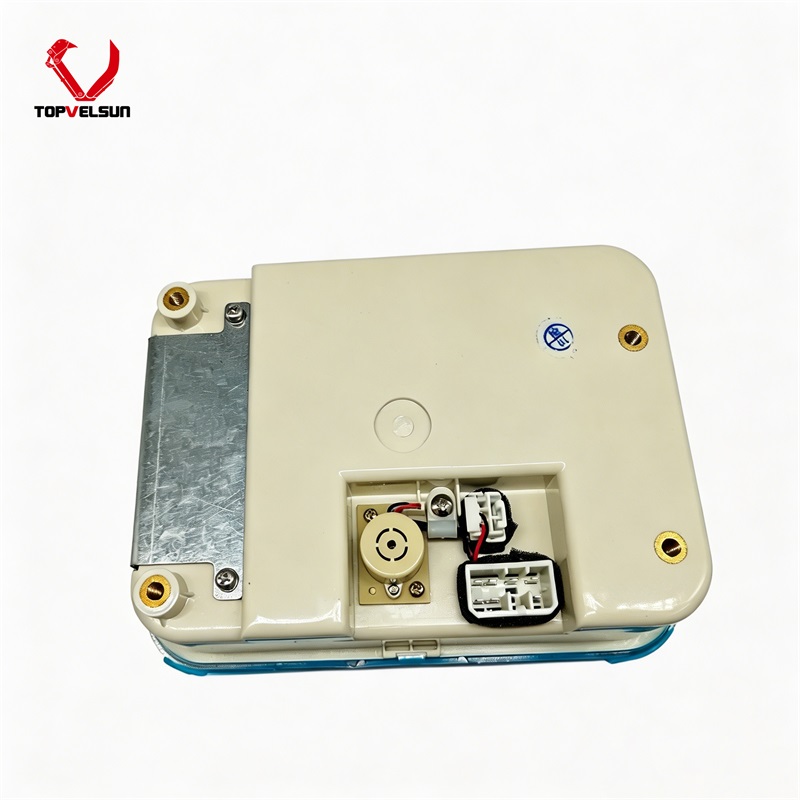
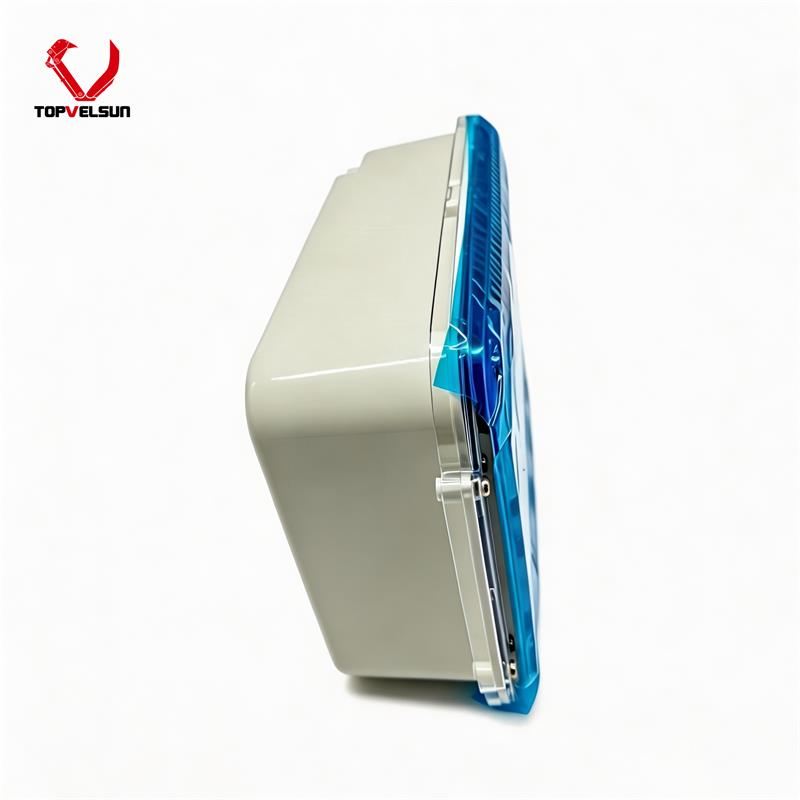
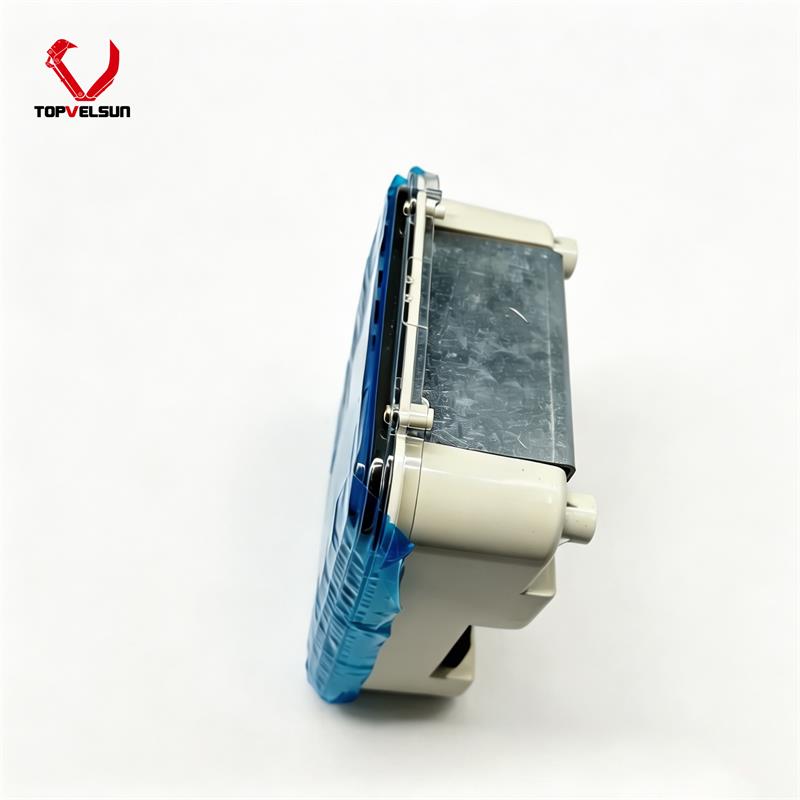
Verify Connectors: Inspect the rear wiring harness plug of your existing unit to ensure the pin alignment and socket shape match our product images.
Confirm Machine Series: This panel is specifically configured for B-Series models. Do not attempt to install this unit in C-Series or D-Series machines, as the communication protocols and wiring harnesses differ significantly.
Turn off the machine and isolate electrical power before removing the monitor panel.
Do not pull the wiring harness directly. Release the connector lock before unplugging.
Inspect the rear connector for corrosion, bent pins, water ingress or loose terminals.
Keep the cab display area dry and clean to reduce moisture and dust-related failures.
After installation, check monitor start-up, display brightness, button response and warning information.
If the monitor does not power on, check fuse, power supply, ground and harness continuity before replacing the unit again.
Tel.: +86 20 3203 3683
Mobile: +86 13129352980 or 13826060208
E-mail: VLS09@topvelsun.com
Address: SHOP 101,BUILDING A,NO.141,ZHUCUN EAST RING ROAD,TIANHE DISTRICT,GUANGZHOU
Copyright © Guangzhou Topvelsun Machinery Equipment Co., Ltd. All Rights Reserved. |
Sitemap | Technical Support 
Tel.: +86 20 3203 3683
E-mail: VLS09@topvelsun.com